

In today’s competitive SaaS landscape, product success depends on more than innovative features. Users expect intuitive experiences, seamless navigation, fast onboarding, and interfaces that help them achieve goals with minimal friction.
Research consistently shows that users form opinions about digital products within seconds. A confusing dashboard, poor navigation structure, or inconsistent user experience can lead to increased churn, lower adoption rates, and lost revenue.
That’s why successful SaaS companies invest heavily in a structured SaaS UI/UX design process that transforms ideas into scalable, user-friendly products.
Whether you’re launching an AI platform, CRM system, project management tool, fintech application, healthcare platform, or enterprise SaaS solution, understanding the design workflow is critical to product success.
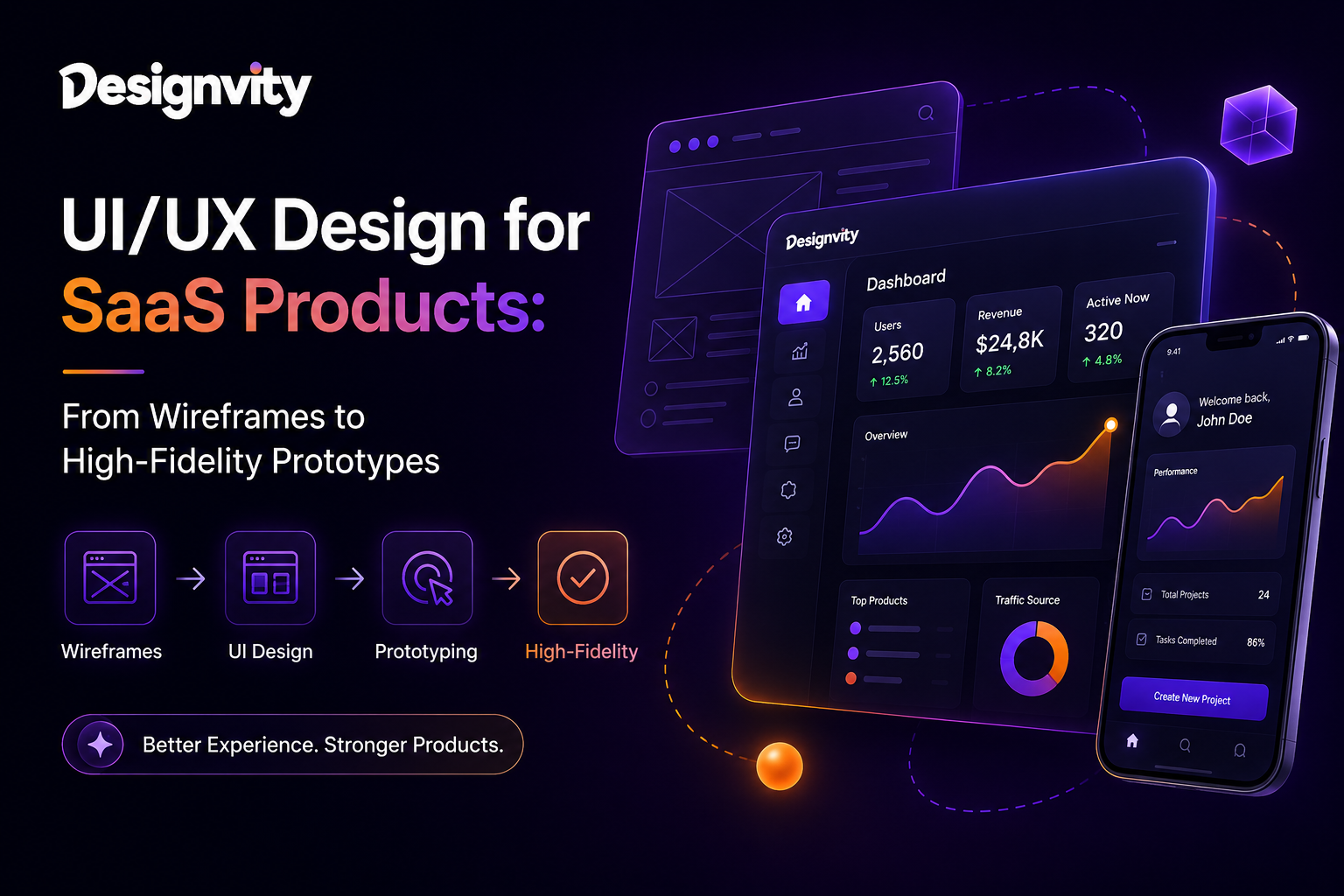
This guide breaks down the complete SaaS design journey—from wireframes to high-fidelity prototypes.
Why UI/UX Matters in SaaS Products
Unlike traditional websites, SaaS platforms are interactive products used daily by customers.
Effective UI/UX directly impacts:
- User adoption
- Customer retention
- Product engagement
- Trial-to-paid conversions
- Customer satisfaction
- Feature discoverability
- Revenue growth
Great design simplifies complexity.
Users should never need extensive training to understand your product.
What Is the SaaS UI/UX Design Process?
The SaaS UI/UX design process is a structured methodology used to create intuitive digital experiences.
It typically includes:
- Product Discovery
- User Research
- Information Architecture
- User Flows
- Wireframing
- UI Design
- Interactive Prototyping
- Usability Testing
- Design System Creation
- Developer Handoff
Each phase reduces uncertainty and helps teams build products users actually want.
Phase 1: Product Discovery & Strategy
Before designing screens, teams must understand:
Business Goals
Questions include:
- What problem does the product solve?
- Who is the target audience?
- What are the primary KPIs?
- How will success be measured?
Competitive Analysis
Analyze:
- Industry leaders
- Competitor strengths
- UX gaps
- Market opportunities
Deliverables
- Product Requirements Document (PRD)
- User Personas
- Feature Prioritization Matrix
- Business Goals Framework
Without discovery, design decisions become assumptions.
Phase 2: User Research
Great SaaS products are built around user needs—not internal opinions.
Research methods include:
User Interviews
Direct conversations reveal:
- Pain points
- Goals
- Expectations
- Existing workflows
Surveys
Collect feedback from larger audiences.
Competitor Research
Understand how users interact with similar products.
Behavioral Analysis
Study user patterns and workflows.
Deliverables
- User Personas
- Customer Journey Maps
- User Research Reports
- Pain Point Analysis
Phase 3: Information Architecture (IA)
Information Architecture determines how content, features, and navigation are organized.
Poor IA leads to:
- Confusion
- Feature overload
- Increased support requests
Good IA creates:
- Logical navigation
- Easy feature discovery
- Faster onboarding
SaaS Information Architecture Example
Main Navigation
- Dashboard
- Projects
- Reports
- Settings
- Billing
- Team Management
Users should always know where they are and where to go next.
Phase 4: User Flows
User flows visualize how people complete tasks.
Examples:
SaaS User Flows
- User Registration
- Product Onboarding
- Subscription Upgrade
- Team Invitation
- Report Generation
- Account Management
User flows eliminate friction before design begins.
Deliverables
- Flow Diagrams
- Process Maps
- Journey Flows
- Task Completion Paths
Phase 5: Wireframing
Wireframes are the blueprint of a SaaS product.
They focus on:
- Layout structure
- Navigation
- Content hierarchy
- Functional elements
without visual styling.
Why Wireframes Matter
Wireframes allow teams to:
- Validate ideas quickly
- Reduce redesign costs
- Improve collaboration
- Focus on functionality
Typical SaaS Wireframes Include
- Login Screens
- Dashboards
- User Settings
- Analytics Pages
- Billing Pages
- Team Management Screens
Deliverables
- Low-Fidelity Wireframes
- Mid-Fidelity Wireframes
- Navigation Structures
Phase 6: UI Design
Once wireframes are approved, designers create polished interfaces.
This phase introduces:
Visual Design Elements
- Typography
- Color Systems
- Icons
- Components
- Layout Grids
- Brand Identity
User Interface Best Practices
Maintain Consistency
Consistent design reduces cognitive load.
Prioritize Readability
Information should be easy to scan.
Design for Accessibility
Ensure usability for all users.
Reduce Visual Clutter
Focus attention on important actions.
Create Clear CTAs
Users should always know the next step.
Phase 7: High-Fidelity Prototypes
High-fidelity prototypes simulate the actual product experience.
These prototypes include:
- Realistic UI
- Interactive elements
- Clickable navigation
- User interactions
Benefits of Prototyping
Faster Stakeholder Approvals
Interactive experiences are easier to evaluate.
Better User Testing
Users interact with realistic designs.
Reduced Development Risks
Potential issues are discovered earlier.
Deliverables
- Interactive Prototype
- Clickable User Flows
- Mobile & Desktop Experiences
Phase 8: Usability Testing
Testing validates design decisions before development begins.
Common Testing Objectives
Evaluate:
- Navigation clarity
- Feature discoverability
- User satisfaction
- Task completion rates
Common SaaS Testing Methods
Moderated Testing
Live user observation.
Unmoderated Testing
Independent user testing.
Prototype Testing
Feedback before coding begins.
Deliverables
- Testing Reports
- User Feedback Analysis
- Design Recommendations
Phase 9: Design Systems
Modern SaaS products require scalable design systems.
A design system includes:
Components
- Buttons
- Forms
- Cards
- Modals
- Tables
Standards
- Typography
- Colors
- Spacing
- Interaction Patterns
Benefits
- Faster development
- Consistent user experience
- Easier product scaling
Phase 10: Developer Handoff
The final design phase prepares assets for development teams.
Handoff Deliverables
UI Screens
Developer-ready designs.
Design Specifications
Spacing, typography, and behavior documentation.
Design System Assets
Reusable components.
Prototype References
Interactive product flows.
This ensures accurate implementation.
SaaS Product Design Workflow Example
A typical SaaS design project follows:
Week 1
Discovery & Research
Week 2
Information Architecture & User Flows
Week 3
Wireframing
Week 4
UI Design
Week 5
High-Fidelity Prototypes
Week 6
Usability Testing & Refinements
Week 7
Design System & Developer Handoff
Common SaaS UI/UX Mistakes
Feature Overload
Too many options overwhelm users.
Poor Onboarding
Users struggle to understand product value.
Inconsistent Navigation
Creates confusion and frustration.
Weak Visual Hierarchy
Important actions become difficult to find.
Ignoring User Feedback
Products should evolve based on real user behavior.
Why SaaS Companies Choose Designvity
At Designvity, we help startups and SaaS companies transform complex ideas into intuitive digital experiences.
Our SaaS design services include:
Product Discovery
Strategic planning and user research.
UX Design
Information architecture and user flows.
UI Design
Modern, conversion-focused interfaces.
Interactive Prototypes
Investor-ready and developer-ready prototypes.
Design Systems
Scalable design foundations.
Ongoing Product Design Support
Continuous optimization for growing SaaS businesses.
People Also Ask
What is the SaaS UI/UX design process?
The SaaS UI/UX design process includes research, wireframing, interface design, prototyping, testing, and developer handoff.
Why are wireframes important for SaaS products?
Wireframes help define structure and functionality before visual design begins.
What is a high-fidelity prototype?
A high-fidelity prototype is an interactive design that closely resembles the final product.
How long does SaaS product design take?
Most SaaS design projects take between 4 and 8 weeks depending on complexity.
What are SaaS UI best practices?
Consistency, accessibility, clear navigation, strong visual hierarchy, and user-centered design principles.
FAQ’s
What is the difference between UX and UI design?
UX focuses on user experience and usability, while UI focuses on visual interface design.
Why is prototyping important before development?
Prototypes help validate ideas, gather feedback, and reduce costly development changes.
What deliverables are included in a SaaS design project?
User flows, wireframes, UI screens, prototypes, design systems, and developer documentation.
How do design systems help SaaS products?
They ensure consistency, improve scalability, and accelerate development.
Can UI/UX design improve SaaS conversions?
Yes. Better user experiences often increase engagement, retention, and subscription conversions.
When should startups invest in UX design?
Ideally before development begins to avoid costly redesigns later.
Conclusion
A successful SaaS product isn’t built by coding alone. It starts with a structured SaaS UI/UX design process that aligns business goals, user needs, and technical requirements.
From discovery and wireframing to high-fidelity prototypes and developer handoff, every step contributes to creating products users love—and businesses can scale. For startups and SaaS companies targeting competitive markets in the USA and Canada, investing in thoughtful UI/UX design is often one of the highest-ROI decisions they can make