

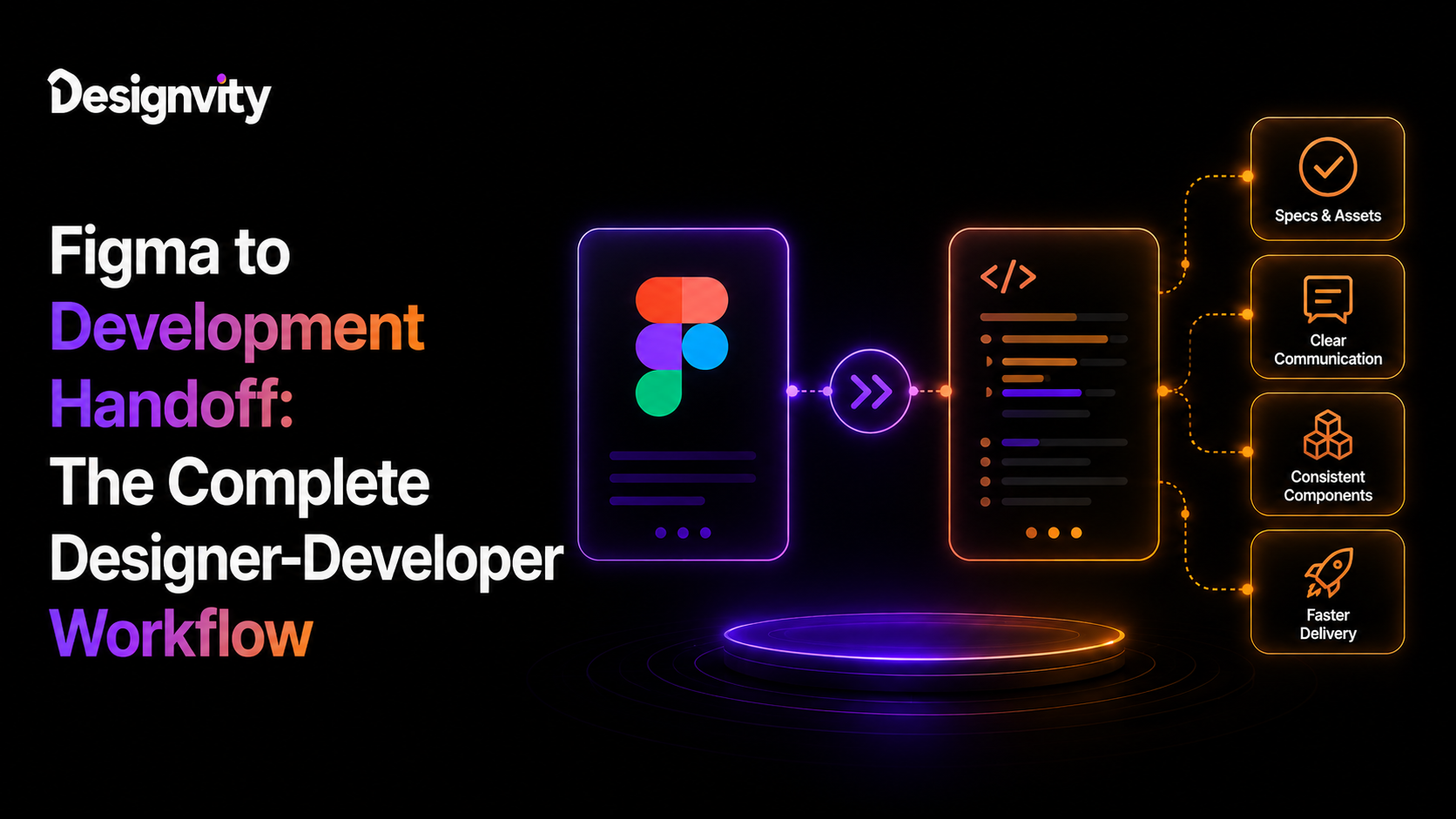
Creating a beautiful UI in Figma is only half the job. The real challenge begins when designers hand their work over to developers. Without a structured handoff process, even the best designs can result in inconsistent implementation, missed deadlines, unnecessary revisions, and frustrated teams.
Many product teams assume that sharing a Figma file is enough. In reality, successful product development depends on a well-defined Figma to code workflow that aligns designers, developers, and stakeholders throughout the entire project lifecycle.
An effective handoff process eliminates ambiguity, reduces development time, and ensures that the final product accurately reflects the original design vision.
In this guide, we’ll walk through a complete designer-to-developer workflow, highlight common mistakes, recommend collaboration tools, and share best practices for seamless implementation.
Why Design Handoff Matters
The transition from design to development is one of the most critical stages of product creation.
A poor handoff often leads to:
- Inconsistent UI implementation
- Missing design details
- Repeated clarification meetings
- Development delays
- Increased QA issues
- Higher project costs
A structured workflow ensures everyone works from the same source of truth.
What Is a Figma to Code Workflow?
A Figma to code workflow is the process of converting approved UI designs into production-ready applications through collaboration between designers and developers.
It includes:
- Design planning
- Component creation
- Design documentation
- Developer handoff
- Frontend implementation
- QA validation
- Design review
The objective is to minimize interpretation errors and maintain visual consistency.
Step 1: Create a Structured Design System
Before designing individual screens, establish a reusable design system.
Include:
- Color palette
- Typography
- Grid system
- Icons
- Buttons
- Forms
- Cards
- Navigation
- Spacing rules
- Components
A design system reduces inconsistencies and speeds up both design and development.
Step 2: Organize Your Figma File
Developers should never struggle to locate screens or assets.
Organize files using:
Clear Page Structure
Examples:
- Research
- Wireframes
- Design System
- UI Screens
- Components
- Prototype
- Developer Handoff
Logical Naming Conventions
Avoid names like:
- Final Final v3
- Home New Copy
Instead use:
- Dashboard
- Login
- Settings
- Pricing
- Checkout
Clear naming improves collaboration significantly.
Step 3: Build Reusable Components
Components reduce repetitive work while ensuring consistency.
Examples include:
- Buttons
- Inputs
- Dropdowns
- Navigation
- Cards
- Modals
- Alerts
- Tables
Use Auto Layout and component variants to simplify implementation.
Step 4: Define Design Specifications
Developers need more than visuals.
Provide:
- Font sizes
- Font weights
- Colors
- Border radius
- Shadows
- Padding
- Margins
- Responsive behavior
- Hover states
- Disabled states
- Error states
Detailed specifications reduce assumptions during development.
Step 5: Create Interactive Prototypes
Static screens don’t always communicate user behavior.
Interactive prototypes demonstrate:
- Navigation flow
- Screen transitions
- User interactions
- Modal behavior
- Form validation
- Loading states
- Empty states
Developers gain a clearer understanding of the intended user experience.
Step 6: Prepare Assets for Development
Before handoff, export required assets including:
- SVG icons
- Logos
- Images
- Illustrations
- Animations
- Brand assets
Ensure naming conventions remain consistent across files.
Step 7: Document User Flows
Developers should understand the complete product journey—not just individual screens.
Document:
- Login flow
- Signup process
- Checkout flow
- Password reset
- Dashboard navigation
- Error handling
- User permissions
Workflow documentation reduces implementation errors.
Step 8: Conduct the Design Handoff Meeting
A successful handoff involves direct collaboration between designers and developers.
Discuss:
- Product goals
- Design decisions
- Technical constraints
- Responsive behavior
- Edge cases
- Accessibility requirements
- Development priorities
This meeting aligns expectations before coding begins.
Step 9: Development Implementation
Developers translate designs into production code using:
- HTML
- CSS
- JavaScript
- React
- Vue
- Angular
- Next.js
- Tailwind CSS
The design system should guide implementation to maintain consistency.
Step 10: Design QA
Designers should review the implemented product before release.
Check:
- Spacing
- Typography
- Colors
- Component behavior
- Responsiveness
- Accessibility
- Animation
- User interactions
Early QA reduces post-launch fixes.
Design Handoff Best Practices
Following proven design handoff best practices improves both speed and quality.
Keep Components Consistent
Avoid creating multiple versions of identical UI elements.
Consistency simplifies development.
Use Auto Layout
Auto Layout helps developers understand spacing, alignment, and responsive behavior.
Define Responsive Rules
Document behavior for:
- Desktop
- Tablet
- Mobile
Avoid leaving responsive decisions to guesswork.
Document Edge Cases
Include designs for:
- Empty states
- Loading screens
- Error messages
- Success notifications
- Validation messages
Developers need complete scenarios.
Include Accessibility Guidelines
Document:
- Color contrast
- Keyboard navigation
- Focus states
- Screen reader labels
- Touch targets
Accessibility should be considered from the beginning.
Improving Developer-Designer Collaboration
Strong developer-designer collaboration reduces misunderstandings and accelerates product delivery.
Best practices include:
- Weekly design reviews
- Shared documentation
- Early developer involvement
- Continuous feedback
- Collaborative planning
- Open communication channels
Design should not happen in isolation.
Common Design Handoff Mistakes
Avoid these frequent issues:
Unorganized Figma Files
Messy files waste valuable development time.
Missing Design Tokens
Developers shouldn’t manually guess colors, typography, or spacing.
No Component Library
Duplicate UI elements increase maintenance complexity.
Ignoring Responsive Design
Mobile behavior should always be documented.
Lack of Communication
The best design files cannot replace direct collaboration between designers and developers.
Recommended Tools for Design Handoff
Popular tools include:
Design
- Figma
- FigJam
Collaboration
- Slack
- Microsoft Teams
- Loom
Project Management
- Jira
- ClickUp
- Asana
- Trello
Development
- GitHub
- GitLab
- Bitbucket
- VS Code
Together, these tools create a streamlined product development workflow.
Benefits of an Efficient Figma to Code Workflow
Organizations implementing structured handoff processes experience:
- Faster development cycles
- Fewer revisions
- Better collaboration
- Higher design consistency
- Improved product quality
- Reduced project costs
- Faster product launches
- Greater customer satisfaction
The investment in better processes quickly pays for itself.
How Designvity Helps Businesses Build Better Digital Products
At Designvity, we help startups, SaaS companies, and agencies streamline the entire product design process—from research and wireframing to developer-ready UI systems.
Our services include:
- UI/UX Design
- SaaS Product Design
- Web Application Design
- Mobile App Design
- Design Systems
- Wireframing
- Interactive Prototypes
- Landing Page Design
- Developer-Ready Figma Files
- Unlimited Graphic Design
Our collaborative workflow ensures developers receive organized, scalable, and implementation-ready designs that reduce revisions and accelerate product delivery.
People Also Search For
- Figma to code workflow
- design handoff best practices
- developer-designer collaboration
- Figma developer handoff
- UI design workflow
- design system best practices
- SaaS UI design process
- Figma design system
- frontend developer workflow
- UI UX development process
People Also Ask
What is a Figma to code workflow?
A Figma to code workflow is the structured process of converting Figma designs into production-ready code through organized design systems, documentation, and developer collaboration.
Why is design handoff important?
A proper handoff reduces misunderstandings, speeds up development, improves consistency, and minimizes costly revisions during implementation.
What should designers include before handing off a Figma file?
Designers should include organized files, reusable components, design specifications, responsive layouts, interactive prototypes, exported assets, and documentation for user flows and edge cases.
How can designers and developers collaborate better?
Regular communication, shared documentation, early technical discussions, and standardized workflows help improve collaboration throughout the product development process.
How does Designvity support product teams?
Designvity creates developer-ready Figma files, scalable design systems, interactive prototypes, and UI/UX solutions that simplify handoff and accelerate development.
Frequently Asked Questions
Can developers code directly from Figma?
Yes. Figma provides design specifications, measurements, assets, and CSS properties that help developers implement designs more efficiently, although additional documentation is often required for complex applications.
What is the biggest mistake during design handoff?
One of the most common mistakes is assuming developers can interpret every design decision without documentation or discussion, leading to inconsistencies and delays.
Should developers be involved before design is complete?
Absolutely. Early developer involvement helps identify technical constraints, improves feasibility, and reduces rework during implementation.
Is a design system necessary for every project?
For growing products and SaaS platforms, a design system significantly improves consistency, scalability, and collaboration between designers and developers.
Why choose Designvity?
Designvity combines UI/UX expertise with developer-focused workflows to create production-ready designs that are easy to implement. From wireframes and design systems to high-fidelity prototypes and developer handoff, we help businesses build digital products faster while maintaining exceptional design quality.
Conclusion
A successful product isn’t built by designers or developers alone—it’s built through collaboration. A structured Figma to code workflow ensures every design decision is clearly communicated, accurately implemented, and efficiently delivered.
By investing in organized design systems, detailed documentation, and strong designer-developer collaboration, businesses can reduce development delays, improve product quality, and create better user experiences.
If you’re looking for expert UI/UX design and seamless developer-ready handoff, Designvity provides scalable design solutions that help startups, SaaS companies, and agencies move from concept to code with confidence.